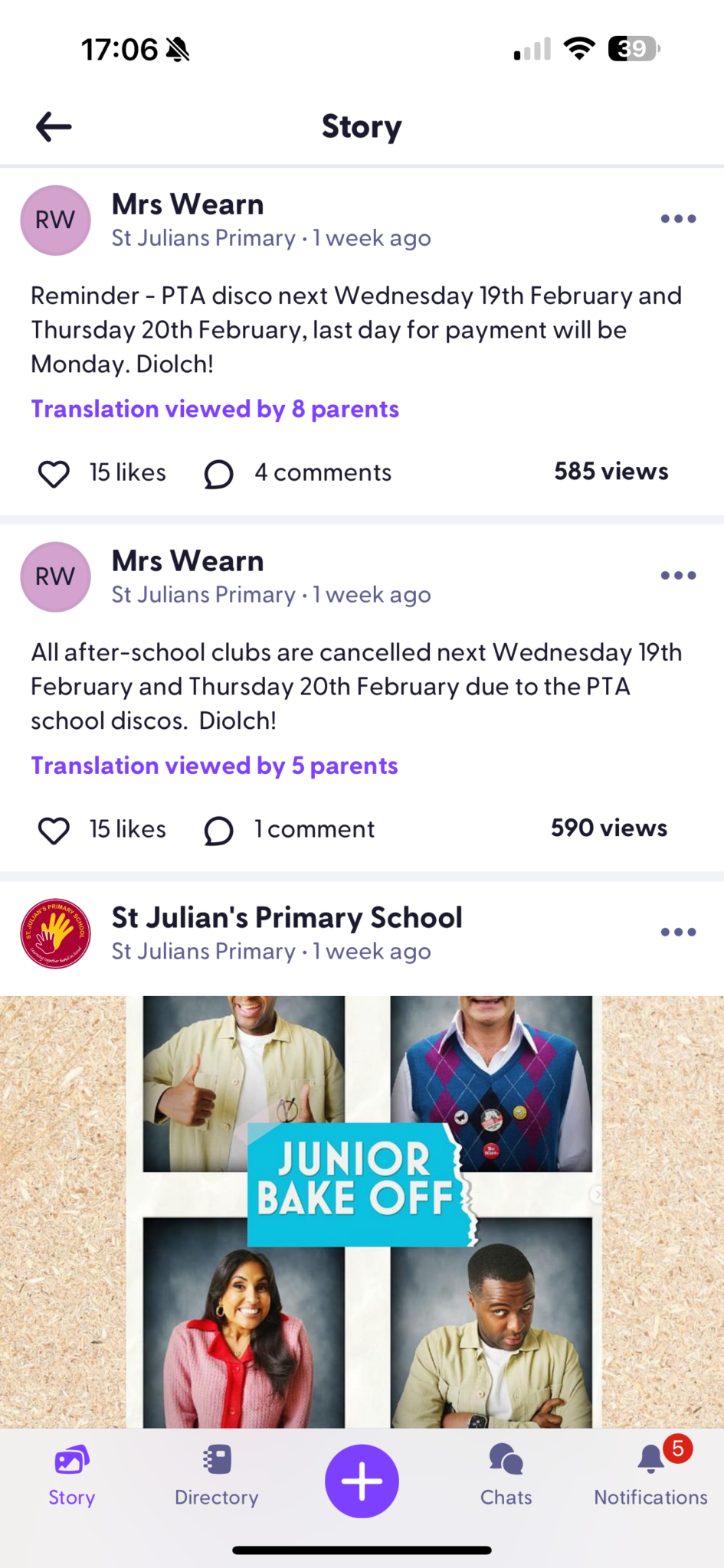
At St Julian’s Primary School, we use the Class Dojo app to keep parents informed and engaged in their child’s learning journey. Each teacher regularly updates their Class Story, sharing important updates, photos, and insights into classroom activities, so parents can stay connected with what their child is learning. School leaders and admin staff also use the Whole School Story to post key announcements, reminders, and upcoming event dates, ensuring that families are always up to date with what’s happening across the school.
On your smart phone, visit the app store and search for Class Dojo. Download and install the app. You will then need to create an account using your email address, to log in.
Once you have the app, there are two ways to be connected to your child’s class.
Request a code from your child’s teacher. Once you receive this code, you can type it into the app and it will link your account with your child.
Request an invite to be sent to your email address. When you receive the invitation, you can click the link and it will automatically connect you to your child.
If you have more than one child, you can connect all children to the same account and view each class’ individual story, as well as the whole school story.
Download the App
Once you have connected with your child’s class, you will be able to view their Class Story (this is a timeline where your child’s teacher will post various updates and photographs relating to their class). You will also be able to view your child’s reward points.
The ‘Whole School Story’, is where we post updates and events for the whole school, including calendar reminders.
Translate »
<
<
<
<
<
<
<
<
<
<
This website uses cookies to improve your experience. If you continue to use this site, you agree with it.


 At St Julian’s Primary School, we use the Class Dojo app to keep parents informed and engaged in their child’s learning journey. Each teacher regularly updates their Class Story, sharing important updates, photos, and insights into classroom activities, so parents can stay connected with what their child is learning. School leaders and admin staff also use the Whole School Story to post key announcements, reminders, and upcoming event dates, ensuring that families are always up to date with what’s happening across the school.